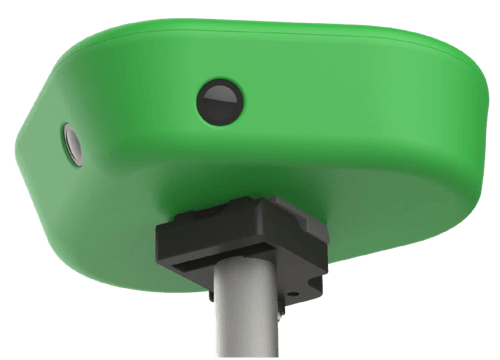
Connecting your camera
Go to Wi-Fi settings on your phone
Select VEOCAM-xx and enter your password if prompted. 'xx' will be the camera's serial number
Return to this page. When connection is established, we will automatically update it